

What you set
A workspace that has set none of this gets Reclack’s own look, which is a
deliberate default rather than an unstyled page.
Light and dark
Pick a theme and then set the two colours for each palette. The dashboard switches the editor and the preview between them, so you see what you are choosing.A colour that works on white rarely works on near black. That is why there are
two pairs rather than one pair and an automatic inversion.
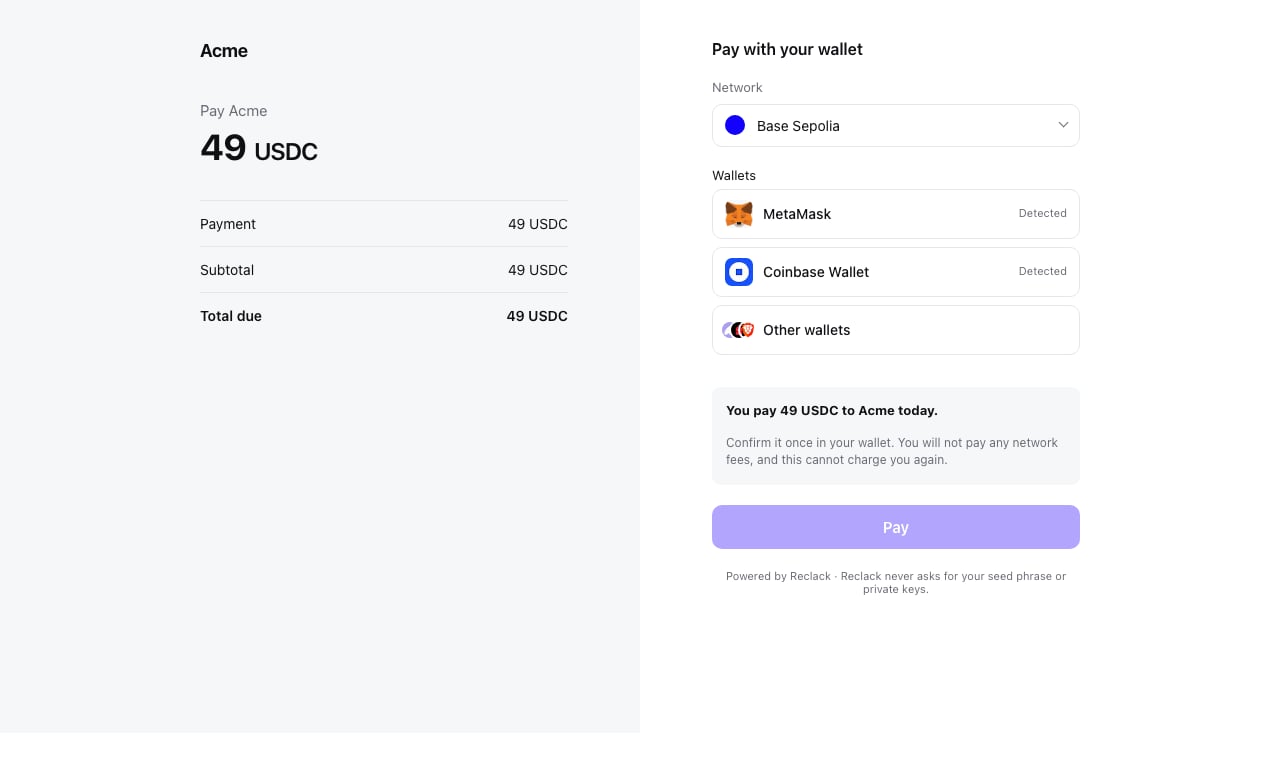
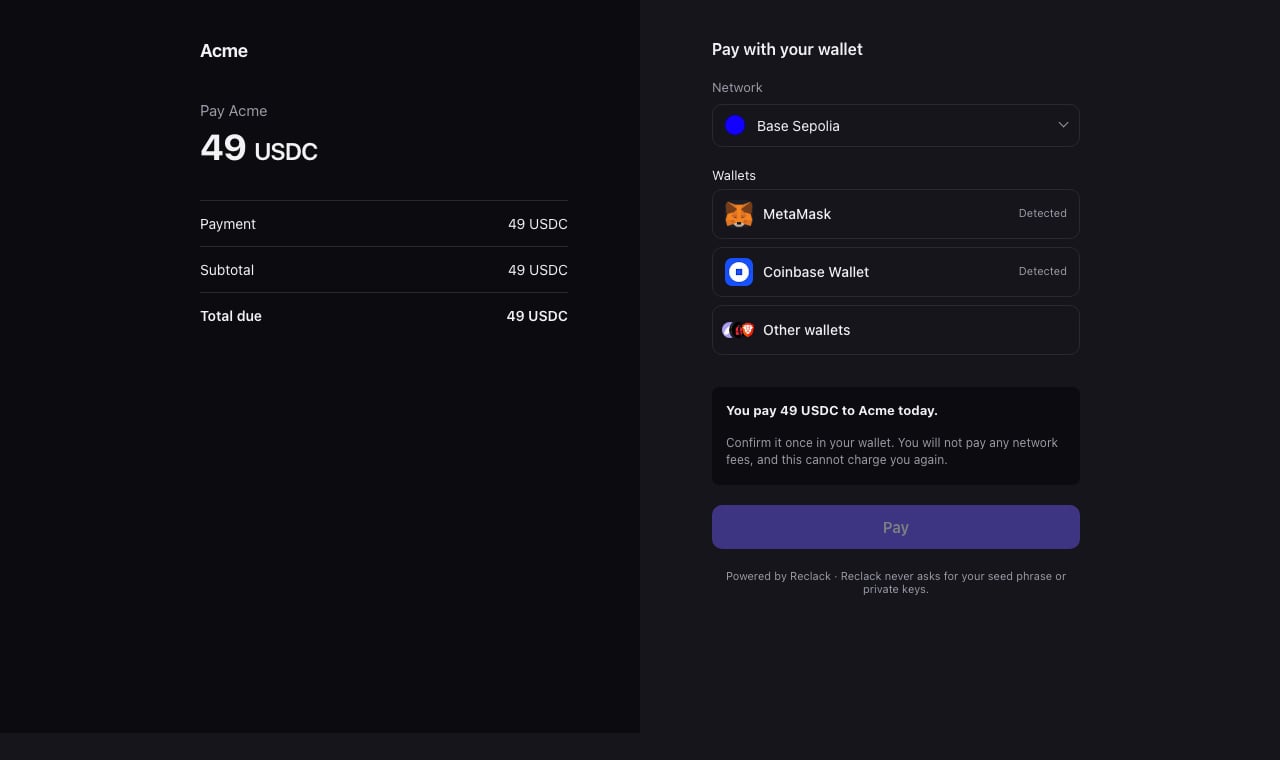
One checkout, in the palette the page is wearing
Who decides the palette
Four answers, and the first one present wins:- The site embedding the checkout, through the widget’s
theme.mode. It knows what the checkout is sitting in, which your setting cannot. - A palette named in the address,
?theme=darkon the hosted checkout. - Your stored theme, from the dashboard.
- Light, if nothing above said otherwise.
system is resolved when the page loads rather than left to CSS, so the page
and the wallet picker inside it always agree on the answer, and a checkout
embedded in a light page stays light however the payer’s machine is set.
The wallet picker
The picker the checkout opens is themed from the same values: your button colour becomes its primary action, and it follows the palette in force. You do not configure it separately. If you are using WalletKit in your own pages, it takes the same twelve tokens directly.Trying it
Open a sandbox checkout and add?theme=dark to see the other palette without
changing your setting. The dashboard also previews both, on a phone frame and a
desktop one, as you edit.