

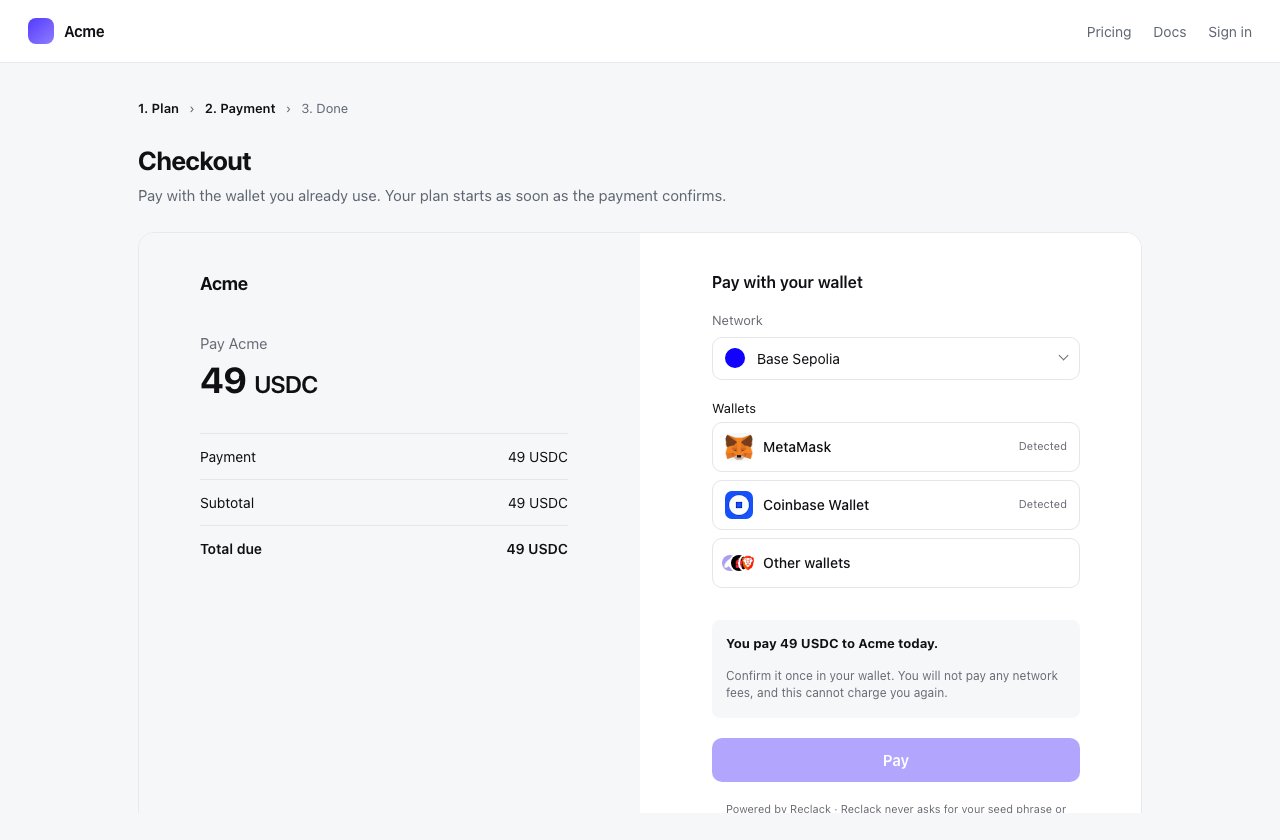
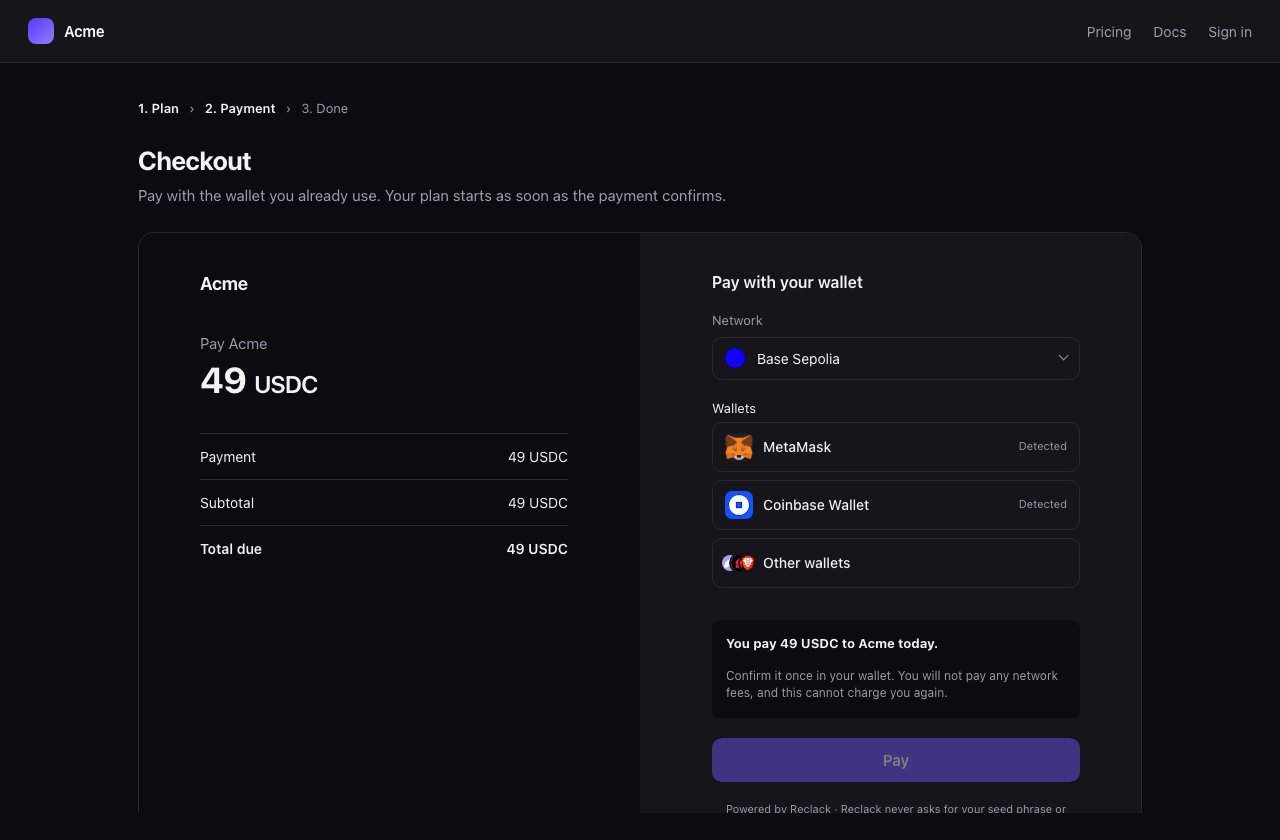
The checkout inline in a merchant's own page
@reclack/widget on npm
Or skip the install. One script tag gives you the same thing on window:
import { Reclack } from '@reclack/widget'
and the global Reclack are the same function.
Launching a checkout your server created
The usual shape. Your backend holds the secret key, creates the thing being paid, and passes the reference down to the page.reference is anything a payer can be handed:
One endpoint resolves all three, so moving from links to invoices changes
nothing here but the string.
Creating the checkout from the page
For a page with no server of its own to ask. This needs your publishable key, which is public on purpose: it names your workspace and may open a checkout, and can do nothing else.initialize returns { reference, url }. The url is the hosted page, if you
would rather redirect than embed.
What you can pass
The fields are the API’s own, under the same names, so the checkout reference and this are the same list.
A
price_id wins over an amount. A checkout with neither is one the payer
names the amount on.
Inline or popup
mode: 'inline' puts the checkout in an element of your choosing and grows it
to fit, so your page scrolls as one rather than a box scrolling inside a page.
mode: 'popup' puts it over the page in a native <dialog>, which brings
focus trapping, Esc to close and an inert background with it.
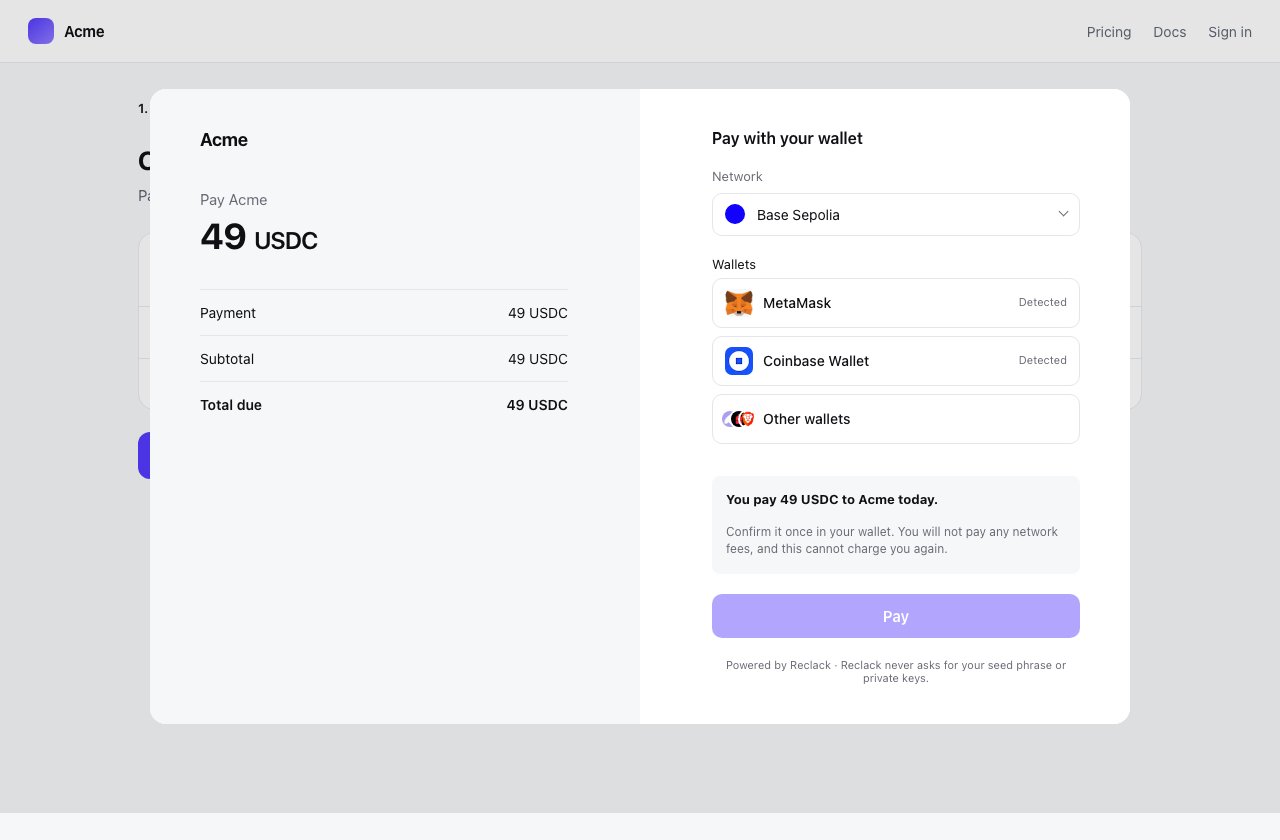
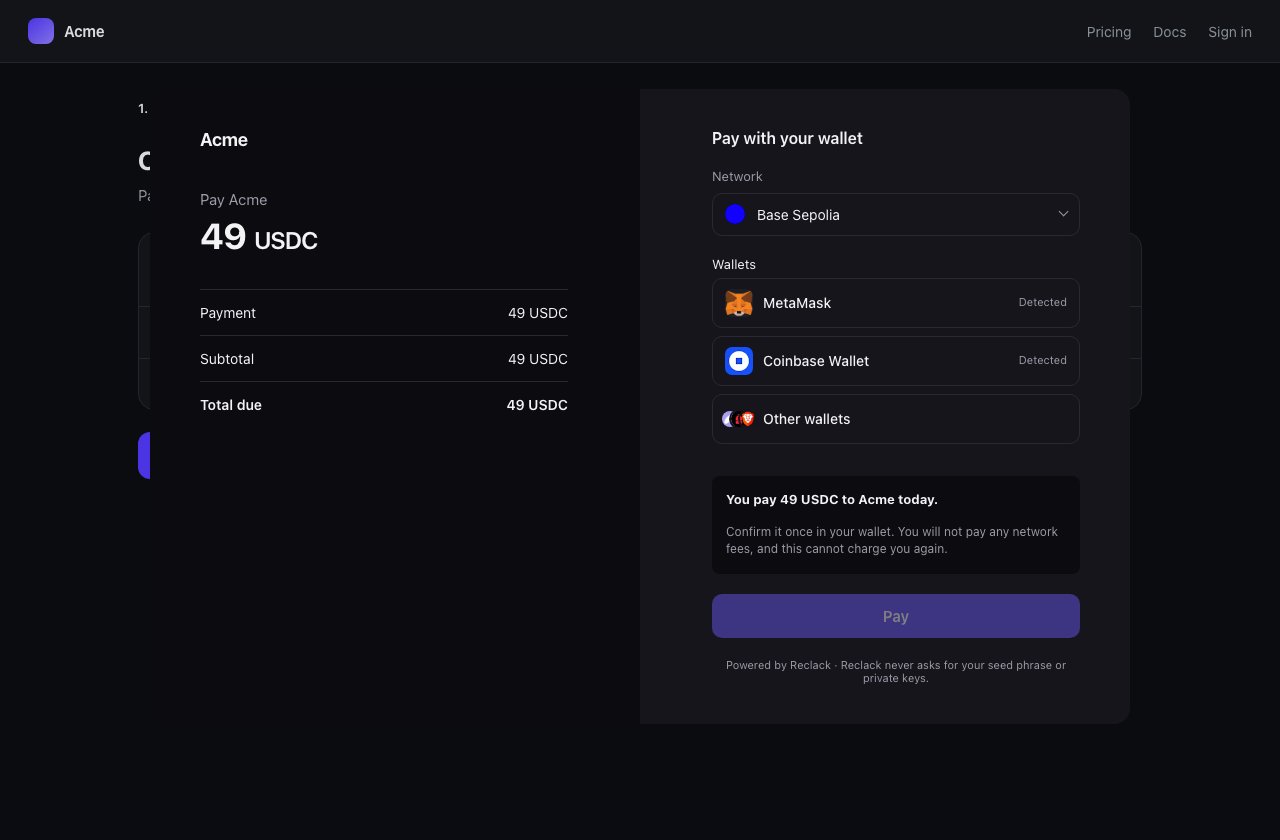
The same checkout in popup mode, over the page that opened it
launch returns { frame, close }: the iframe, if you want to style or move
it, and a way to take it off the page.
Options
Light and dark
The checkout opens in whichever palette the merchant set in the dashboard, light unless they changed it. Your page knows something that setting cannot, which is what the checkout is sitting in, so you can say:'light', 'dark' or 'system', which follows the payer’s own device. It
wins over the stored default, and the colours chosen for that palette are still
used: you are picking which of the two looks to wear, not replacing it.
Sending them to us instead
Not every page wants a checkout in it.redirect sends the payer to the hosted
one, and redirect_url on the session brings them back.
url(reference) gives you the same address without navigating, for a link you
render yourself or a redirect issued by your server:
Before it works on your domain
An embedded checkout is framed, so your origin has to be one the merchant allows. Set that list in the dashboard under Developers, then Embedding. Embedding the checkout covers what the browser enforces and what it refuses.Fulfil on the webhook, not on onSuccess
The webhook is signed and follows the chain, so that is
what should grant access, ship the order or mark the invoice paid.
Why it is an iframe
What somebody is asked to approve is rendered by us, on our origin, where the page around it cannot read or rewrite it. Your analytics script cannot reach the amount, and a script that has been tampered with cannot change where the money goes. The two halves talk over a singleMessagePort, handed to the
frame and addressed to one origin, so two embeds on a page cannot hear each
other.
TypeScript
Types ship with the package.Building something that gets embedded
@reclack/widget/frame is the other half of the protocol, for the page inside
the iframe. It is already bundled into the Reclack checkout, so you need it
only if you are building a page of your own to be embedded.