

@reclack/walletkit on npm
- Any framework. The picker is a custom element, and the connection layer
is a plain object with
getStateandsubscribe. - One dependency, loaded only when somebody picks a wallet that needs it.
- Nothing to configure. Endpoints, the wallet catalog and relay pairing ship with working defaults.
- Typed, and safe to import in a server render.
Quick start
@reclack/walletkit/element defines the tag. With no bundler, point
a module script at a CDN instead:
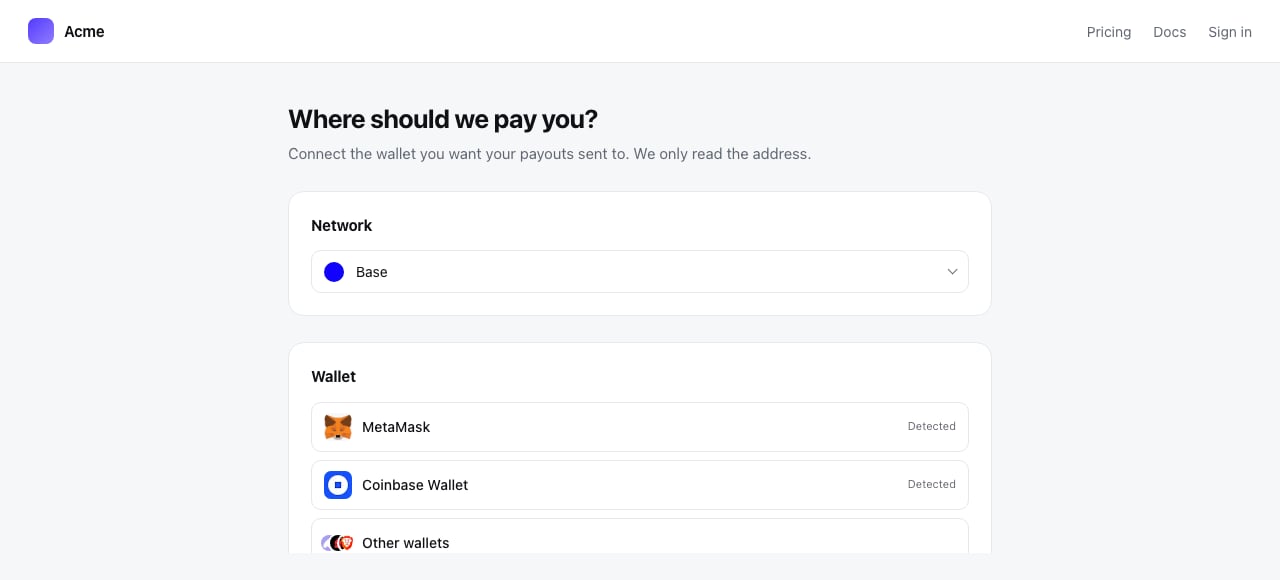
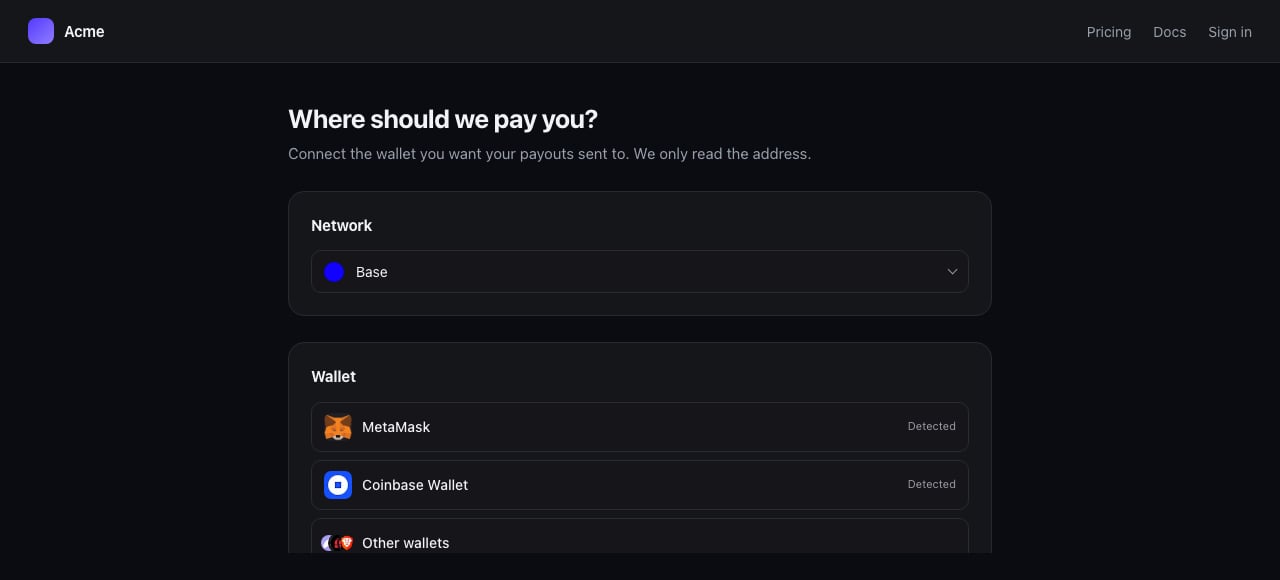
The network picker and the wallet picker, inline in a page
Your framework
React, Next.js, Remix
@reclack/walletkit-react on npm
'use client' to the file that renders it. Importing
@reclack/walletkit itself on the server is fine.
Preact needs no second package: the React one works through preact/compat.
Vue
@reclack/walletkit-vue on npm
Angular, Svelte, Solid, plain HTML
No wrapper exists because none is needed. Each binds properties and listens for events on a custom element natively, so use<reclack-connect> directly.
The element
Attributes
For anything an attribute cannot carry, set a property:
Events
All three are composed, so a listener on an ancestor hears them through the
shadow boundary. It is
connect-error rather than error because error
already means a resource failed to load.
The markup lives in a shadow root, so the picker cannot restyle your page and
your stylesheet cannot reach into it. Theme it with the attributes below, or by
setting any
--rkw- token on the element.variant="modal" is a native <dialog>, so focus trapping, Esc to close, an
inert background and a backdrop all come from the browser.
The network picker
The chain something settles on, as a second element. A checkout asks which chain before it asks which wallet, and a form collecting a settlement address asks which chain without connecting anything at all.The kit
The element makes its own kit and you never have to touch one. Reach for the kit directly when you want wallet state without a picker, or when several pickers should share one.getState and subscribe are all any framework needs, which is why there are
only two wrappers:
element.kit = myKit. Themes stay per
element, so one kit can serve a light picker in a panel and a dark one in a
drawer.
Intent
What you want back from connecting, as a list rather than a mode, because these are not alternatives.addressalways comes back. Listing it says you want it handed to you.balanceneeds an asset to be a balance of. Asking without one throws.keepAliveholds the connection open and keeps following account and chain changes. True for a checkout that signs later, false for a form that wanted a value and is done.
chainId. Leave it out when collecting
a settlement address: the same address receives on every EVM chain, so asking
somebody to switch networks to read it back serves no purpose.
Theming
Twelve tokens, light or dark.
A
theme property wins over all four, as does sharing a kit that already
carries one. That is deliberate: a checkout that themed its kit should not have
to theme every picker inside it as well.
Server rendering
Importing the package on a server is safe: nothing toucheswindow until you
create a kit or the element upgrades. Import
@reclack/walletkit/element in a client file only, since defining a custom
element needs a document.